01
Upload your files
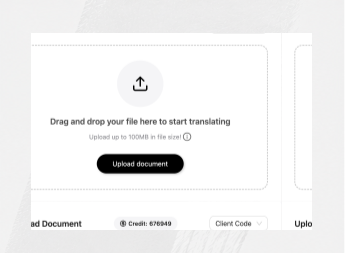
Securely upload a scanned PDF, photographed page, JPG, PNG or TIFF file.
Scanned document translation
Translate scanned PDFs, photographed pages and image-based documents. Bluente uses OCR to recover the text, translate it and rebuild the result against the original layout.
Best for publishing, legal and corporate document teams.
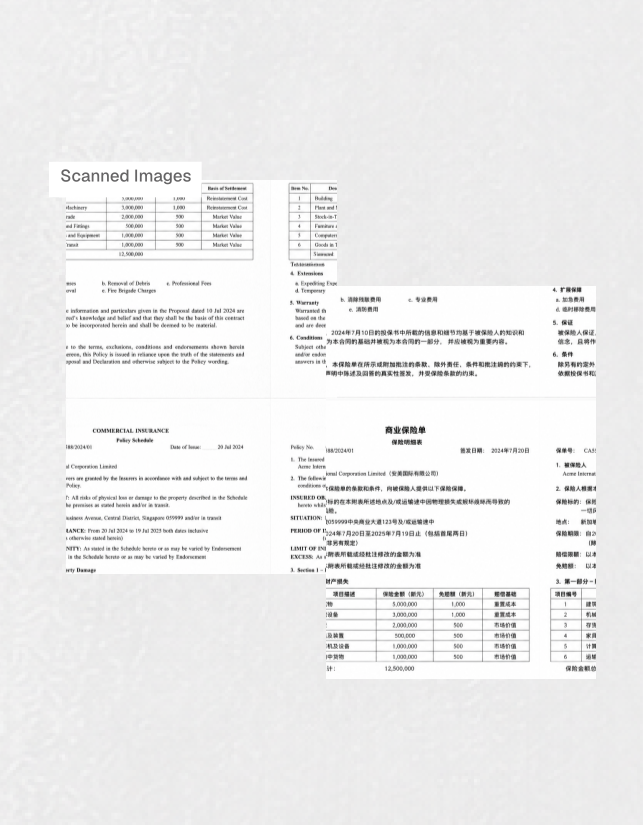





Scanned documents contain critical information trapped inside pixels. Bluente recovers the content without turning the result into a reformatting project.
OCR identifies text, reading order, tables and visual regions before translation begins. The translated content is then positioned against the source geometry, preserving the relationship between headings, paragraphs, figures and forms.
The result comes back as a searchable PDF or editable DOCX rather than another flat image. Review it against the source, share it with a colleague or move it into the next filing and documentation workflow.
One workflow handles recognition, translation and document reconstruction.
Original page structure, styling, image placement and document hierarchy remain attached to the translated content.
Translate scans across major languages and scripts, including CJK and right-to-left documents.
Designed for contracts, exhibits, reports, publishing material, forms and other documents that still need to work.
Zero data retention, encrypted processing and automatic deletion within 24 hours.
Process scanned PDFs, JPG, JPEG, PNG and TIFF files through the same document engine.
Move large files and multi-document jobs through one consistent workflow instead of page-by-page copy and paste.
Our streamlined process delivers fast, accurate and format-preserving document translations.
Securely upload a scanned PDF, photographed page, JPG, PNG or TIFF file.
Choose the target language and any output or formatting preferences.
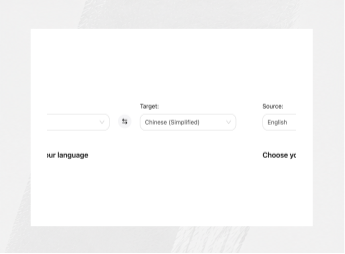
OCR, translation and reconstruction run together while the original layout is preserved.

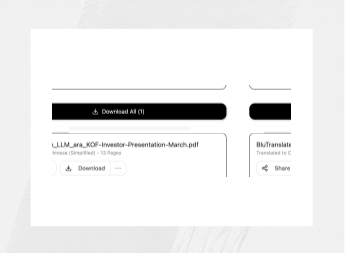
Download a searchable document ready for comparison, sharing, filing or editing.
Court exhibits, faxed correspondence and filed documents rarely arrive as clean digital files. They arrive as scans of scans, and the translation has to survive being read alongside the original.
Text baked into an image is invisible to every text-first tool. Screenshots of an application, a photographed invoice, a form someone filled in and scanned — all of them become searchable, translated documents.
| Source | Returned as | Notes |
|---|---|---|
| Scanned PDF, no text layer | PDF with searchable text, or DOCX | Translation placed over the original layout |
| JPG or PNG screenshot | PDF or DOCX | Invoices, forms, application screenshots |
| TIFF, multi-page fax | PDF or DOCX | Page order preserved |
| Photographed page | PDF or DOCX | Deskewed and corrected before recognition |
| Mixed scan and text PDF | PDF or DOCX | Only the image pages go through OCR |
A 300 dpi scan of printed text and a dim phone photo are not the same job. Send the exhibit nobody could read.
Recognition is heavier than text translation, and pricing reflects that. Worth knowing before you plan a bulk run.
All 120+ languages, including right-to-left scripts such as Arabic and Hebrew. Recognition is not restricted to a shorter list than translation.
The useful test is the exhibit nobody could read.