🔗 Webhook
Bluente uses webhooks to notify you when the translation status changes to READY or ERROR. You can set up webhooks in the Bluente Dashboard.
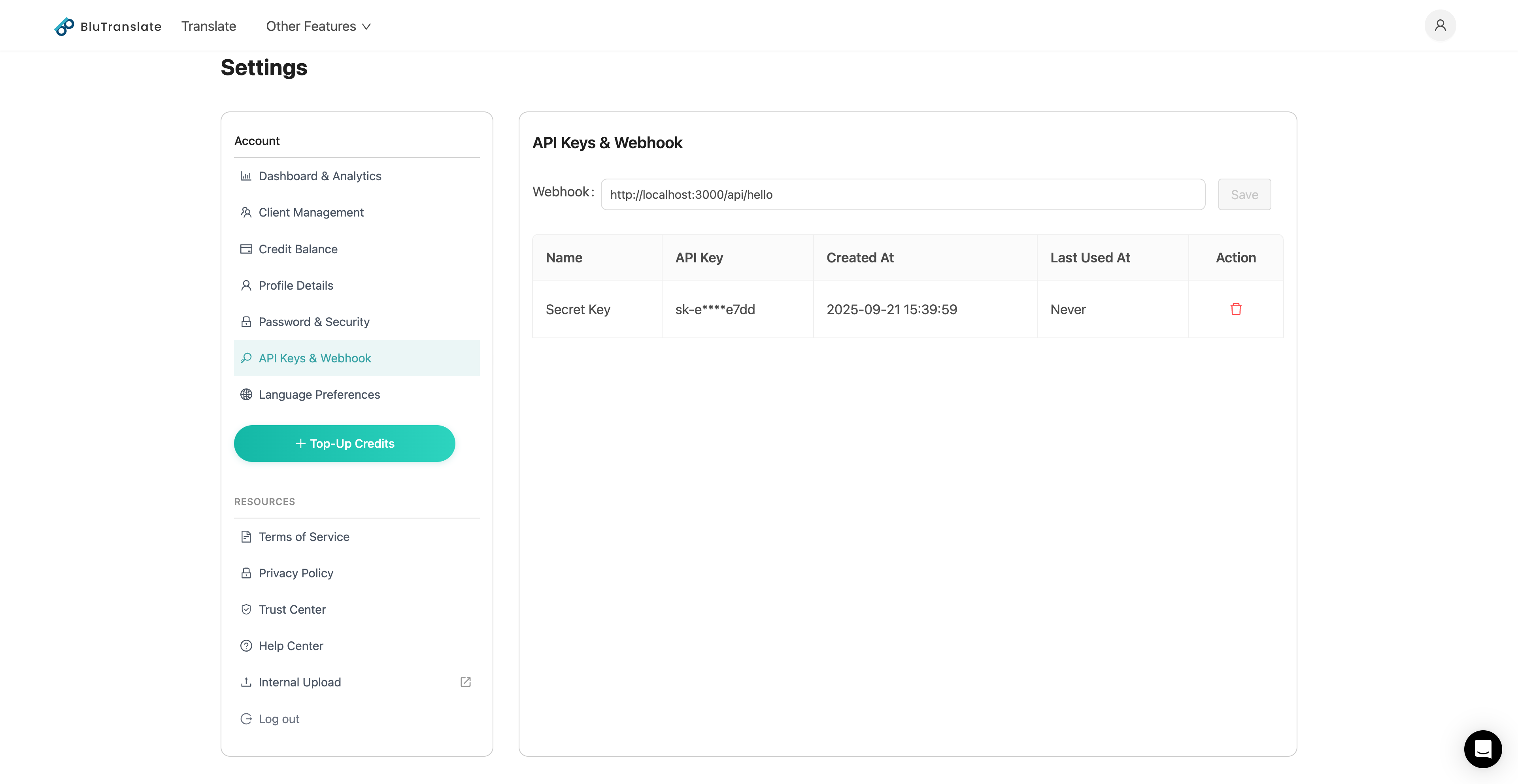
Example: Bluente Dashboard has webhook settings.
✅ Request Body
{
  "engine": 3,
  "filename": "xxxxxxx.pdf",
  "meta_data": {
    "job_id": "...",
    "session_id": "...",
    "region": "ca"
  },
  "page_count": 2,
  "source_language": "en",
  "state": "READY",
  "target_language": "zh",
  "task_id": 1,
  "created_at": "2025-10-08 11:32:59",
  "updated_at": "2025-10-08 11:36:03",
  "user_id": "xxxx"
}
📊 Response Fields
| Field | Type | Description |
|---|---|---|
engine | int | Engine ID |
filename | string | Filename |
meta_data | json | Metadata for the translation task. If set in translate API, it will be returned here. |
page_count | int | Number of pages in the uploaded document |
source_language | string | Source language code |
state | string | Current processing status (see state list below) |
target_language | string | Target language code |
task_id | int | Task ID |
created_at | string | Created timestamp |
updated_at | string | Last updated timestamp |
user_id | string | User ID |
📌 State Values
| State | Description |
|---|---|
READY | Translation completed. (At this point, call Download File API) |
ERROR | Something went wrong. Stop checking and show an error message. |